VMWare Guests - The app window is blank white but the taskbar thumbnail is correct
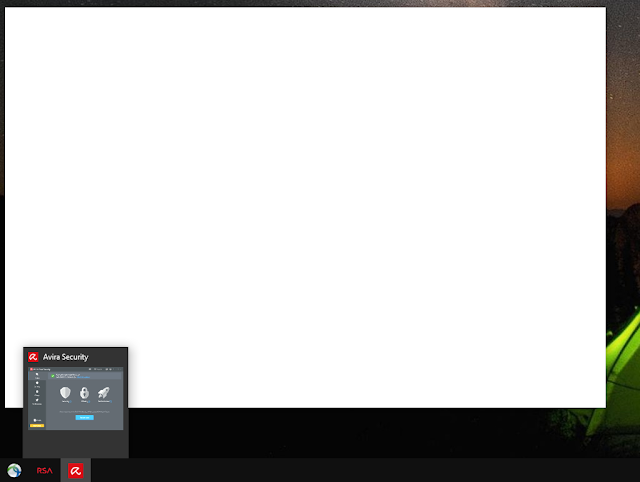
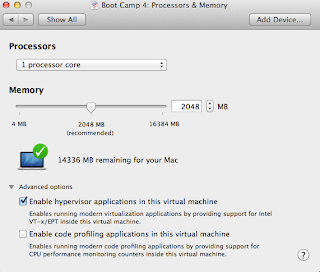
Ran into a situation recently in a Windows 10 Guest VM running in VMWare. The windows for a single program, Avira, were blank white. The weird part was that the taskbar thumbnail showed the window contents correctly. This felt like a driver error or mismatch. I have no idea which driver, host, or guest, caused the problem or when it occurred. Fix: Disable 3D Graphics Acceleration in the Guest The fix is pretty straightforward. My guest VM settings had "Accelerate 3D graphics" enabled. Power down the Windows Guest VM. Pull up the VM settings Un-check Accelerate 3D graphcs Click OK Restart the Windows Guest VM